

Message Templates
WhatsApp Template Sync
WhatsApp requires templates to be submitted and approved by Meta before they can be used. Qwetty lets you sync templates directly from your WhatsApp Business account.
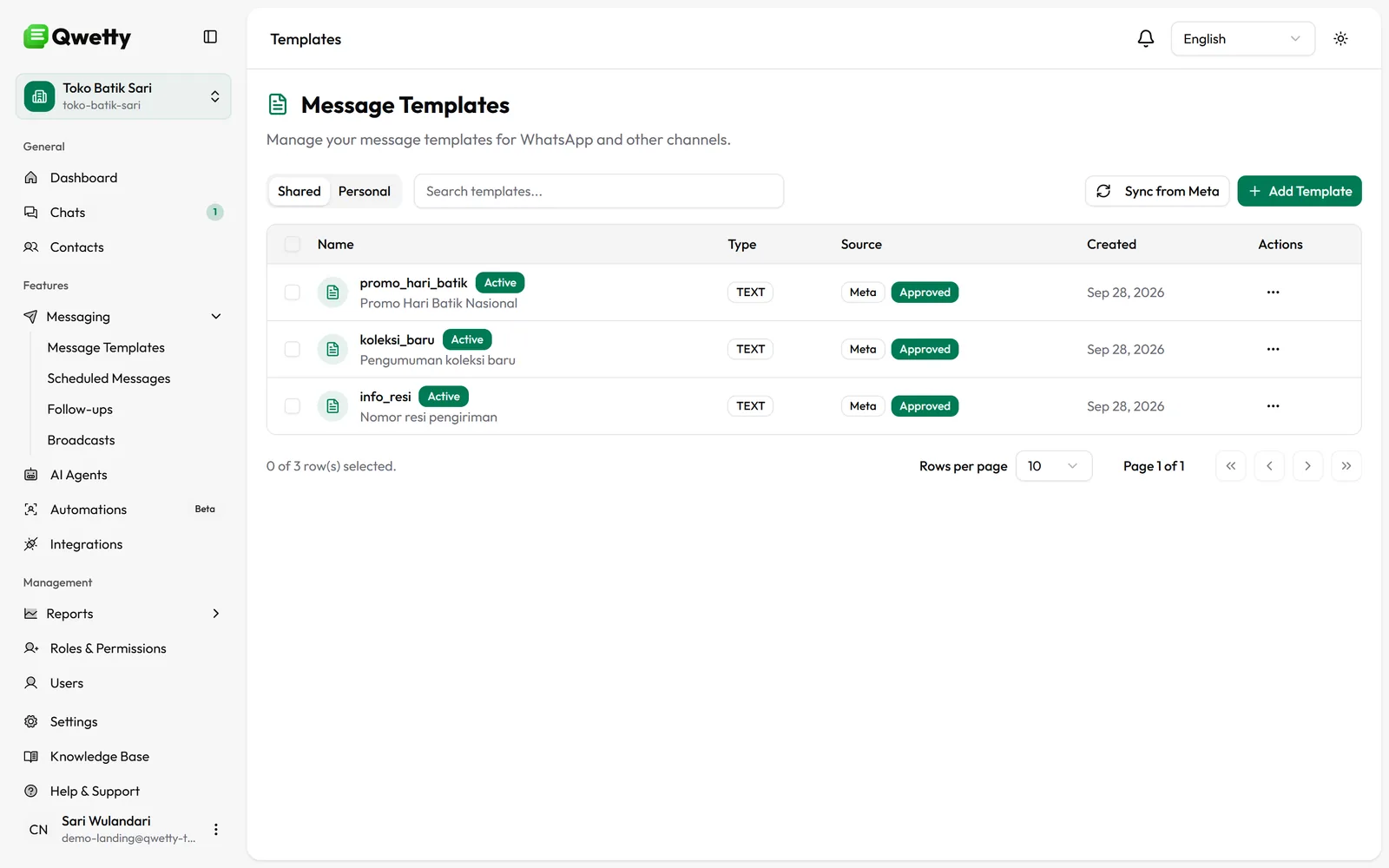
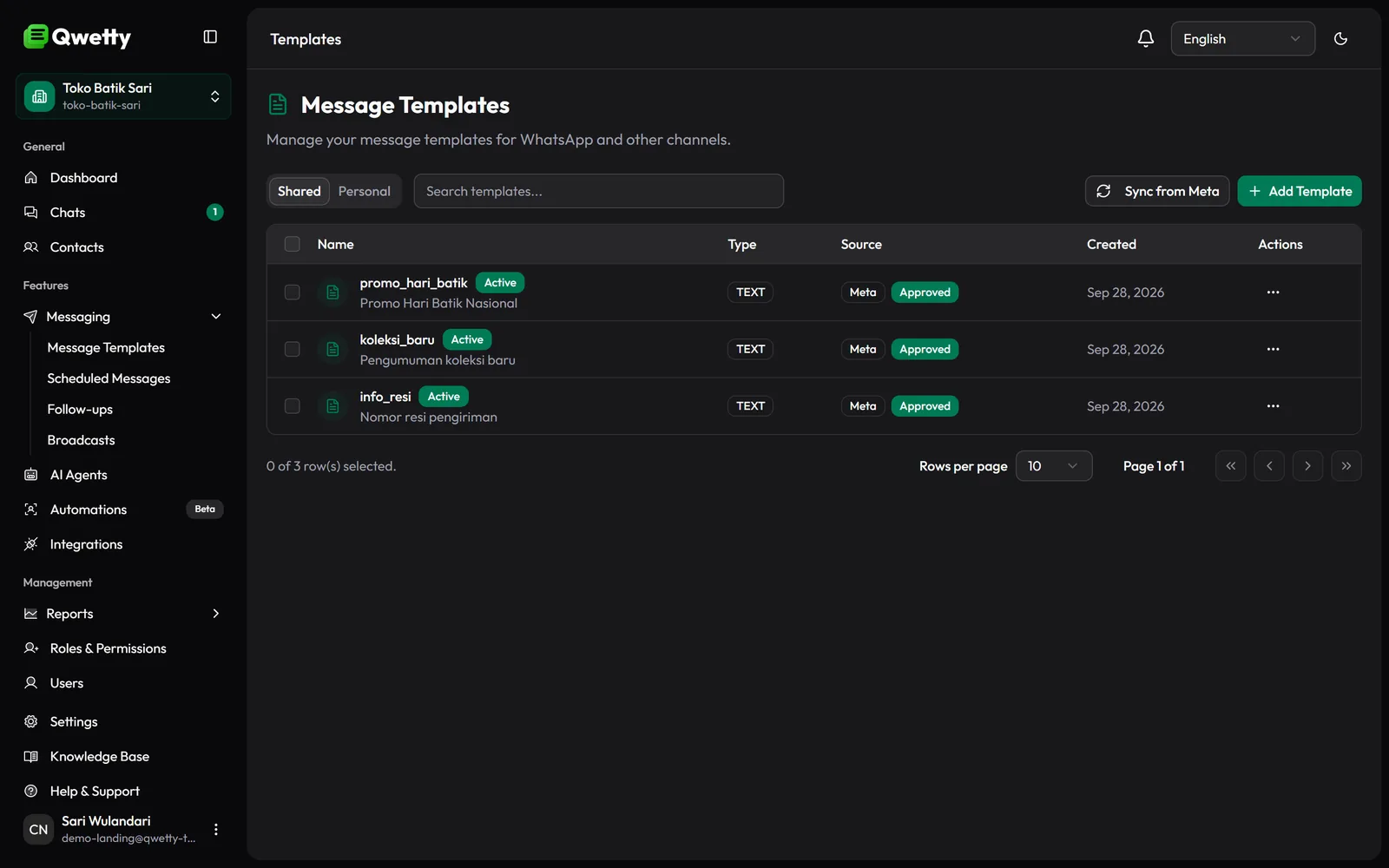
How template sync works
Section titled “How template sync works”- You create templates in the Meta Business Manager or via Qwetty
- Meta reviews and approves (or rejects) the templates
- Qwetty syncs the templates, with their approval status, so they appear in your template library. Status changes from Meta also update automatically, with a notification
Syncing templates
Section titled “Syncing templates”- Go to Message Templates and open the Shared tab
- Click Sync from Meta
- Qwetty will fetch the latest templates from your connected WhatsApp API channels
- New and updated templates appear in the list with their approval status
Template status
Section titled “Template status”| Status | Meaning |
|---|---|
| Approved | Template is ready to use |
| Pending | Template is under Meta review |
| Rejected | Template was rejected — check the reason and resubmit |
| Failed | The template failed to submit to Meta — use Retry Sync to push it again |
| Paused | Meta paused the template (typically due to low quality) |
| Disabled | The template has been disabled and can’t be used |
| In Appeal | An appeal against a rejection is under review |
Retrying a failed submission
Section titled “Retrying a failed submission”If a Meta template has a Failed status (it didn’t make it to Meta when it was created), open its row action menu and click Retry Sync. This pushes the local template to Meta again for review — it is not a re-fetch of the inbound sync.
Common rejection reasons
Section titled “Common rejection reasons”| Reason | Solution |
|---|---|
| Promotional content | WhatsApp restricts overly promotional templates — focus on utility |
| Missing opt-out | Include opt-out instructions for marketing templates |
| Incorrect variable format | Ensure variables follow the {{1}} format |
| Violates WhatsApp policy | Review Meta’s template guidelines |
Next steps
Section titled “Next steps”- Creating Templates — Create templates in Qwetty
- Message Templates Overview — Understanding templates