

Getting Started
Overview
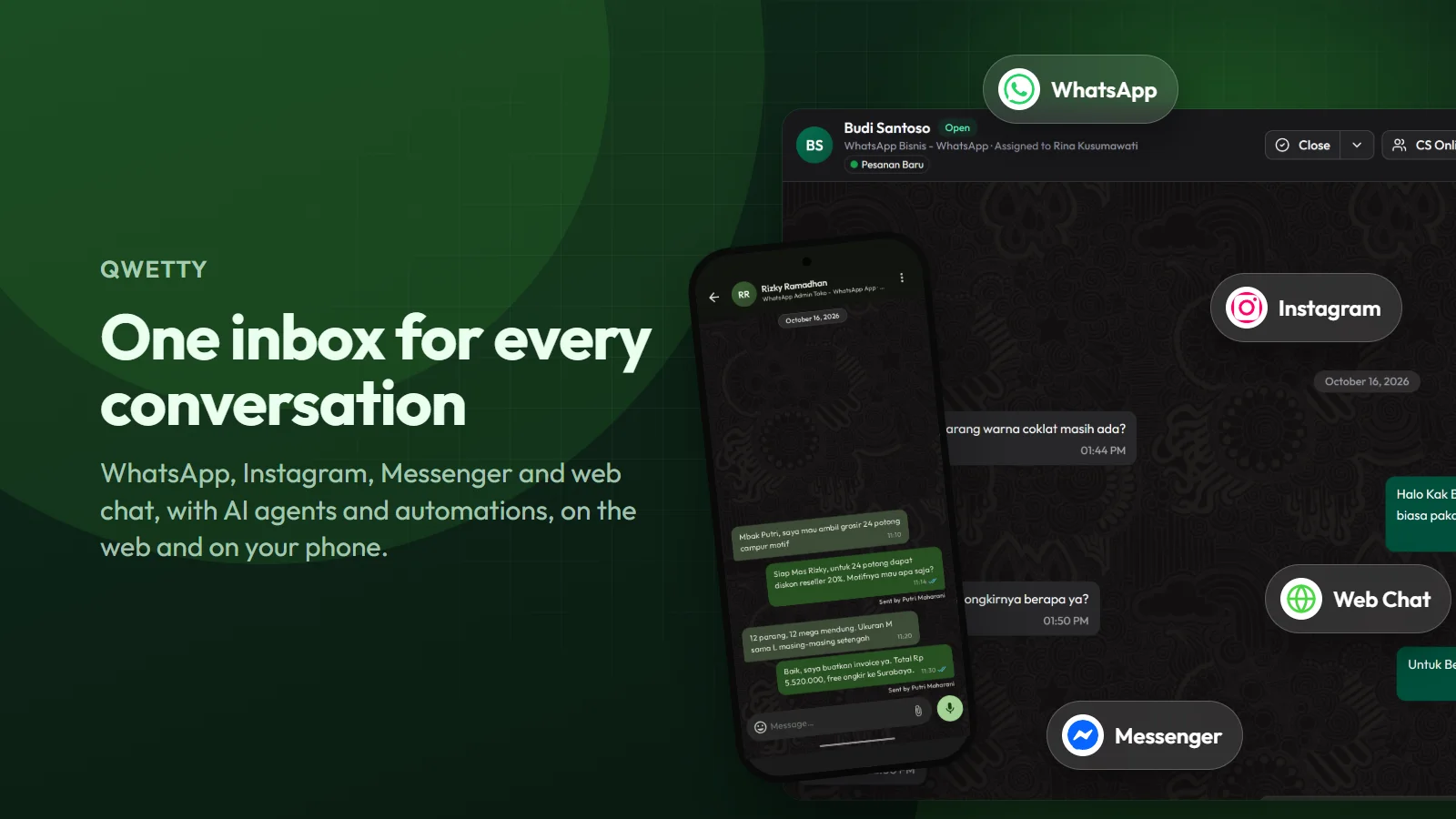
Qwetty is an omnichannel customer communication platform that lets you manage conversations across WhatsApp, Instagram, Facebook Messenger, and Web Chat — all from a single dashboard.
What can you do with Qwetty?
Section titled “What can you do with Qwetty?”- Unified Inbox — Receive and respond to messages from all channels in one place
- AI Agents — Automate responses with AI agents trained on your knowledge base
- Message Templates — Create reusable templates for consistent, fast replies
- Automations — Build workflows to route conversations, send auto-replies, and more
- Contacts — Maintain a unified contact directory across all platforms
- Scheduled Messages — Queue messages for delivery at the right time
- Reports — Track message volume, response times, and team performance
- API Access — Integrate Qwetty into your existing tools via REST API
Qwetty on Android
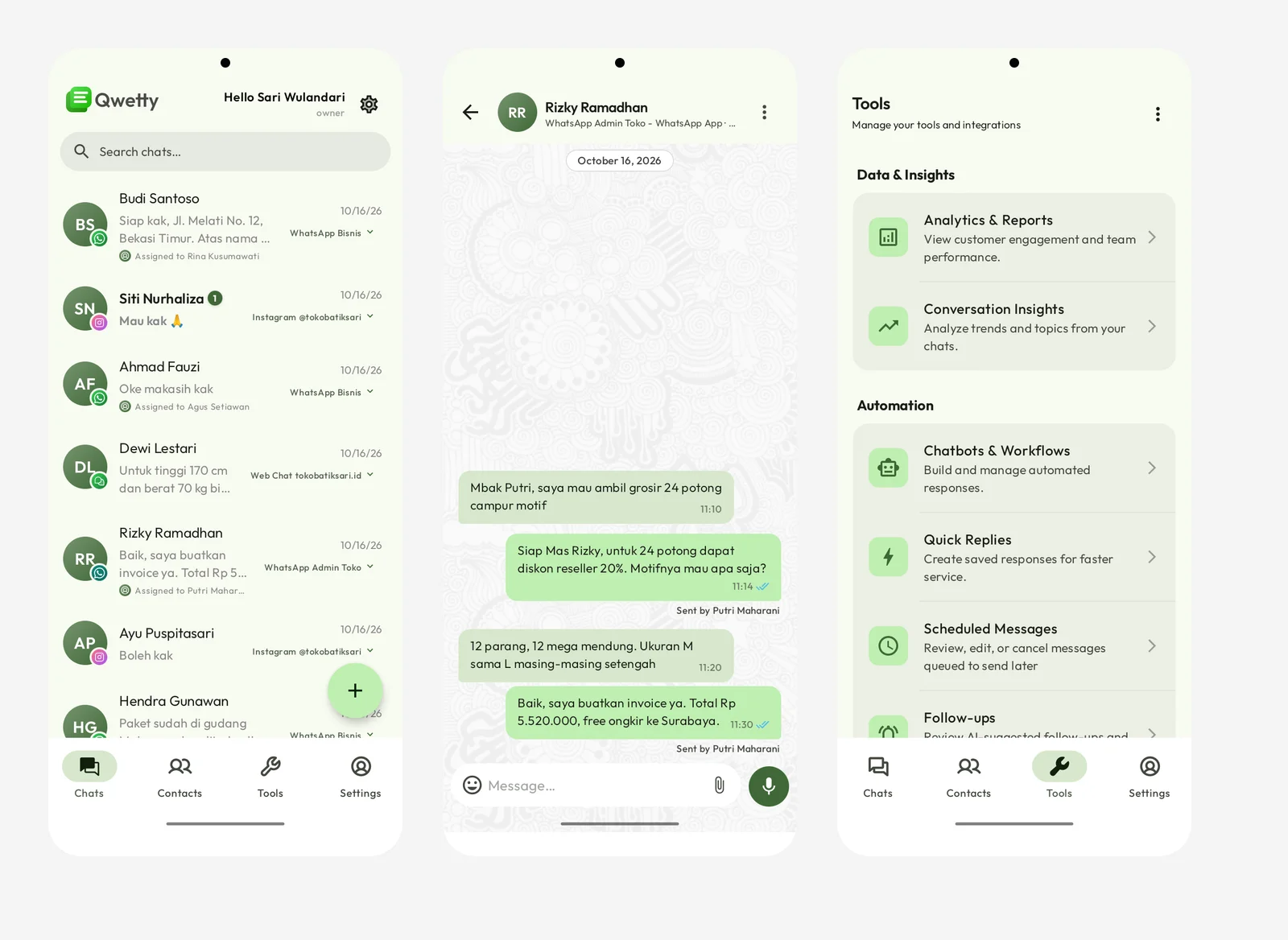
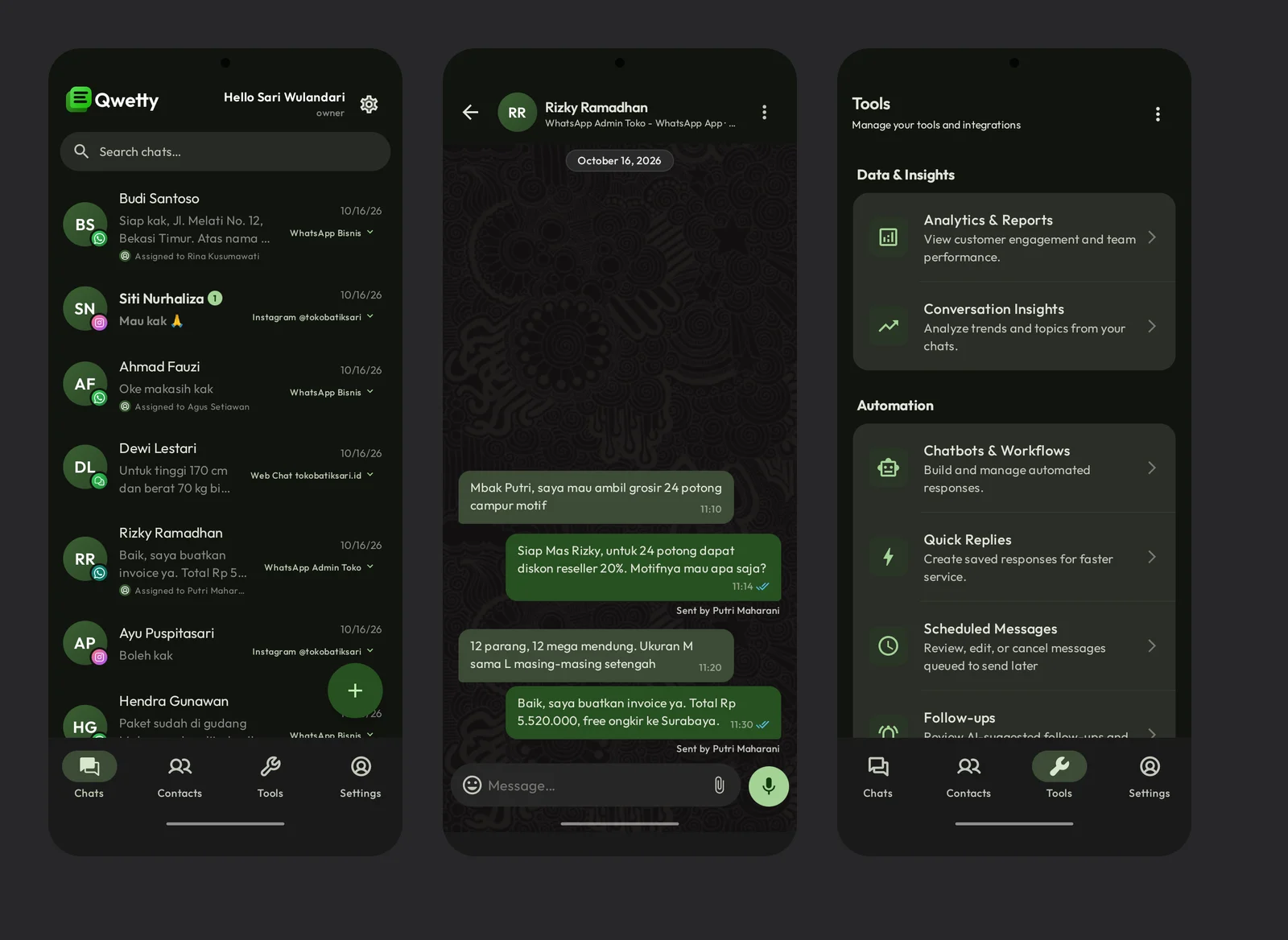
Section titled “Qwetty on Android”The Android app carries the same inbox: reply to every channel, look up contacts and reach your tools from your phone, with push notifications for new messages.
Who is this documentation for?
Section titled “Who is this documentation for?”| Role | Start here |
|---|---|
| Business users — Setting up channels, managing contacts, using the inbox | Quickstart |
| Team admins — Managing users, roles, and organization settings | Managing Members |
| Developers — API integration, webhooks, embedding web chat | Developer Overview |
| Marketing / Support leads — Templates, scheduled messages, reports | Message Templates |
Quick links
Section titled “Quick links”- Quickstart Guide — Get up and running in 5 minutes
- Connect WhatsApp — Connect your WhatsApp Business account
- Connect Instagram — Connect your Instagram account
- API Reference — Explore all available API endpoints