

Developers
Developer Overview
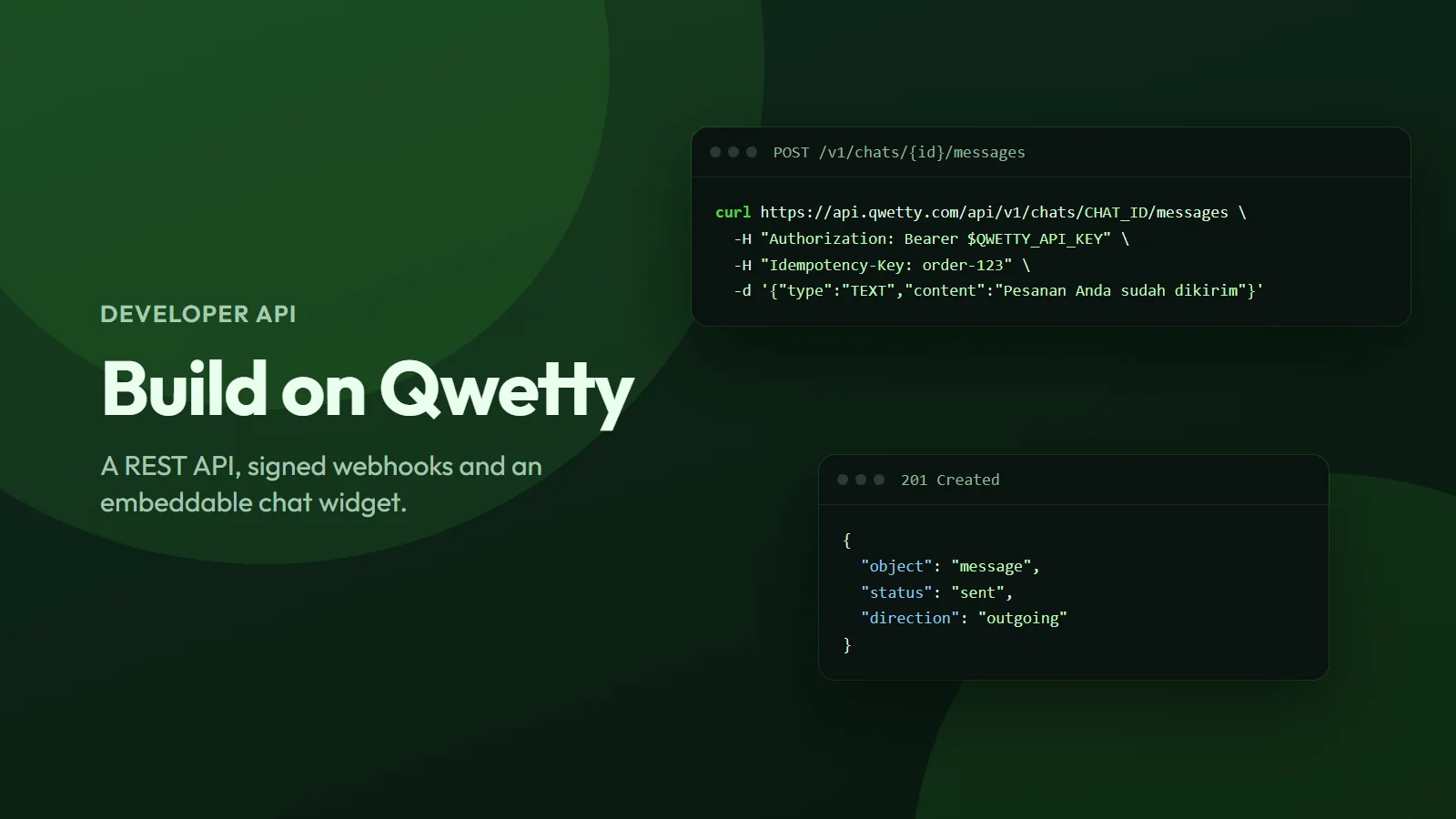
Use the Qwetty API to sync contacts, manage conversations, and send messages through your connected channels. Subscribe to webhooks to receive message and contact events in your application.
Get started
Section titled “Get started”- Create a key in Settings → API Keys with the permissions your integration needs.
- Send the key in the
Authorization: Bearer <key>header. - Follow Send your first message.
- Configure webhooks to receive events.
Base URL
Section titled “Base URL”https://api.qwetty.com/api/v1| Resource | What you can do |
|---|---|
| Identity and channels | Check your key’s access and discover connected channels |
| Contacts | Create, read, update, delete, and bulk upsert contacts; opt a contact out of automated messages or back in; manage platform identities |
| Conversations | Find or open a conversation, list by activity and sync changes, update status (open, pending, snoozed, closed), assign a member, hand over to a member or return to the bot, list group participants, and mark as read |
| Messages | Read history and catch up on new messages, send supported message types, send templates with checked parameters, and indicate typing |
| Templates | List templates, see the ones a conversation can use right now, and render one as the customer will read it |
| Webhooks | Manage endpoints, rotate secrets, send tests, inspect deliveries, and redeliver |
See the API reference for request fields and required permissions. Download the specification from OpenAPI JSON.
Response conventions
Section titled “Response conventions”Responses are versioned by date. Send Qwetty-Version: 2026-10-20 to read every object in one consistent shape; without it, your key’s pinned version answers.
Successful requests return { "data": ... }, with optional meta. Deletions return 204 without a body. Errors include error.code, error.message, and requestId.
Lists use cursor pagination. Message sends and the other conversation actions marked in the API reference require an Idempotency-Key so you can retry the same request safely; the key is kept on the message as clientReference, so you can find it again even if the answer was lost. Dates use ISO 8601.
Your organization’s rate limit is shared across its keys. See rate limits for limits, monthly usage, and retry behavior.