

Connecting Channels
Connect Instagram
Connect your Instagram Business or Creator account to manage direct messages through Qwetty.
Prerequisites
Section titled “Prerequisites”- An Instagram Business or Creator account (personal accounts are not supported)
- Admin access to your Qwetty organization
Connection steps
Section titled “Connection steps”Creating a channel runs through a short wizard (Choose → Connect → Finish):
- Go to Settings → Channel and click Add Channel
- Choose — Select Instagram, then click Continue with Instagram
- Connect — Keep or change the prefilled channel name, then click Connect with Instagram
- You’ll be redirected to Instagram’s authorization page — sign in with your Instagram account
- Grant the required permissions:
instagram_business_basic— Access profile informationinstagram_business_manage_messages— Send and receive DMsinstagram_business_manage_comments— Manage commentsinstagram_business_content_publish— Publish content
- Authorize the application and Finish
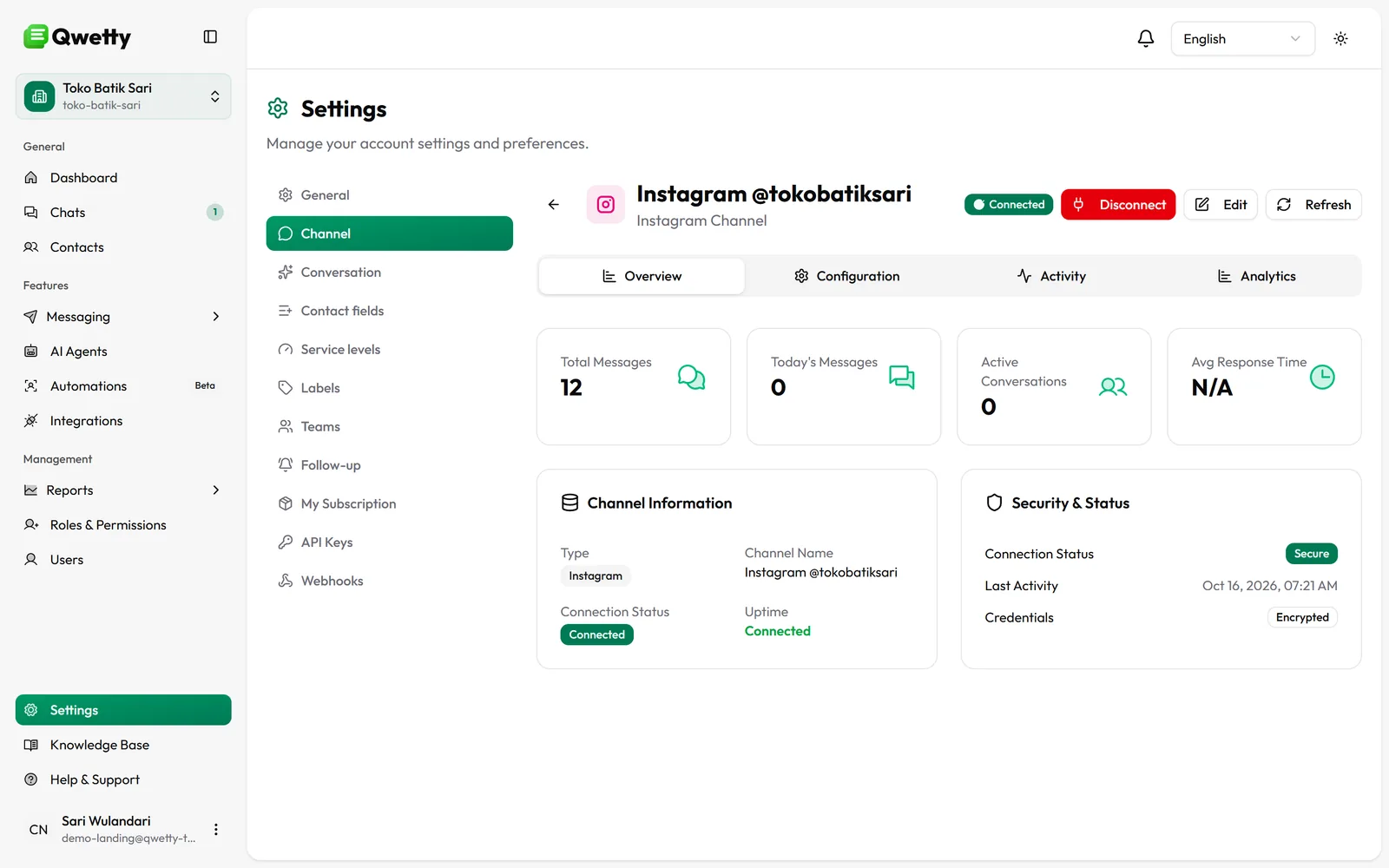
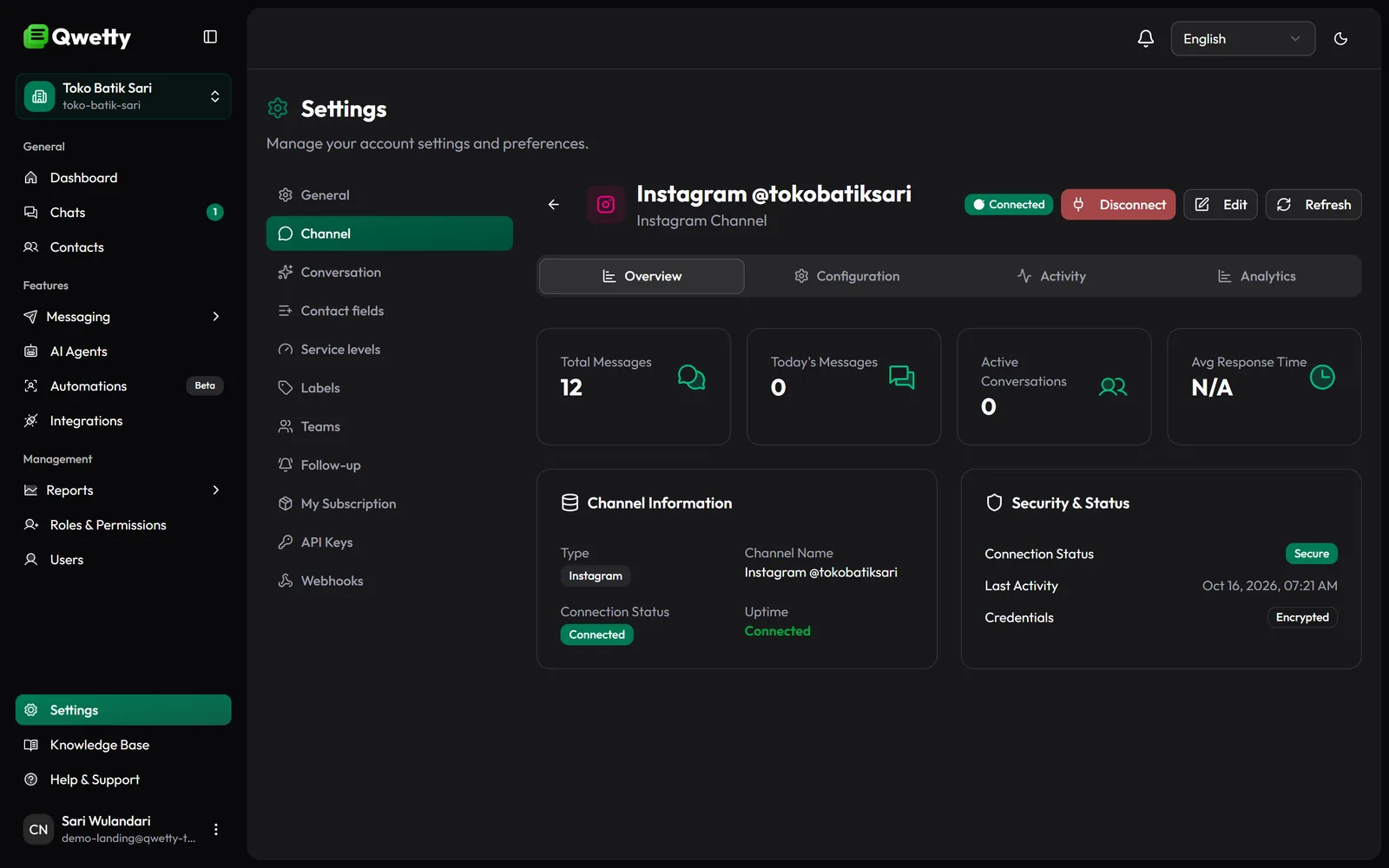
Once authorized, you’ll be redirected back to Qwetty and your channel status will show as Connected. Incoming Instagram DMs will appear in the Chats page.
What you can do
Section titled “What you can do”- Receive and reply to Instagram direct messages
- View sender profile information (name, username, follower count)
- Send text messages, images, audio, and video
- Send heart stickers and react to messages with a heart
Messaging window
Section titled “Messaging window”Instagram has a 24-hour messaging window. After a customer messages you, you have 24 hours to respond. When Meta’s Human Agent permission is enabled for Qwetty, replies sent by your team (not by a chatbot) carry the Human Agent tag, which extends the window to 7 days. Otherwise, once the window closes you have to wait for the customer to message again.
See Channel Limitations for more details on messaging windows.
Limitations
Section titled “Limitations”- No group messaging — Instagram DMs via API are one-to-one only
- Messages in the Requests folder that have been inactive for 30+ days are not returned via API
- Posts, reels, and story mentions shared by customers are shown as unsupported messages
- Story replies appear as regular DMs
- Comments on your posts are not brought into Qwetty
Channel details
Section titled “Channel details”After connecting, go to Settings → Channel → [Your Channel] → Details to view:
- Overview — Profile picture, username, followers, following, posts, bio, and website
- Activity — Connection and message activity logs
Troubleshooting
Section titled “Troubleshooting”| Issue | Solution |
|---|---|
| “No Instagram account found” | Ensure your Instagram account is a Business or Creator account |
| OAuth error during connection | Try clearing your browser cache and reconnecting |
| Messages not arriving | Check that your Instagram account has messaging enabled in Instagram settings |
| Disconnected unexpectedly | The OAuth token may have expired — reconnect from Settings → Channel |
Next steps
Section titled “Next steps”- Channel Dashboard — Monitor your Instagram channel
- Channel Limitations — Understand messaging windows and restrictions
- Inbox Overview — Learn how to manage conversations