

Automations
Automations
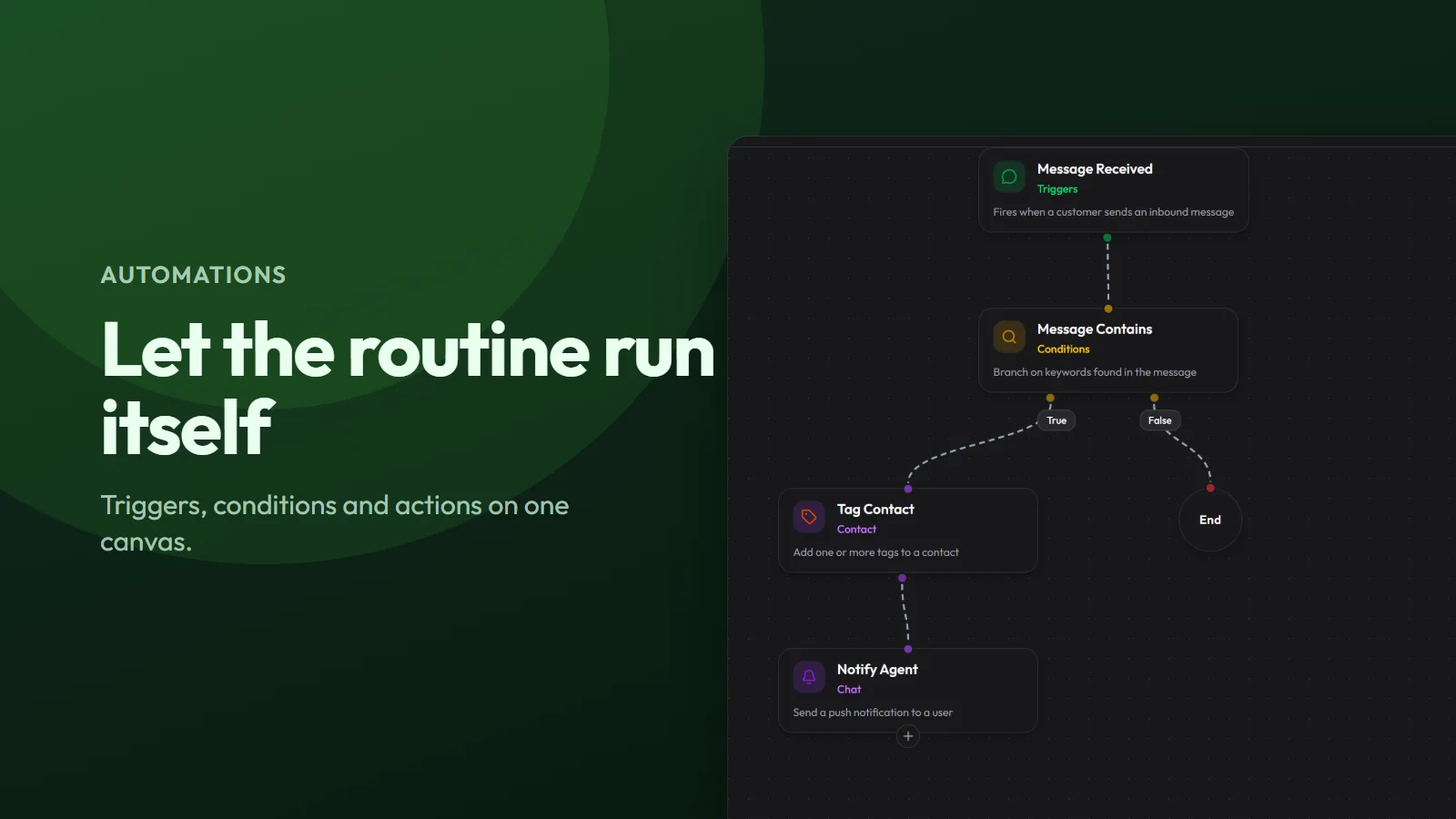
Automations let you build workflows that trigger actions based on events — reducing manual work and ensuring faster responses.
What automations can do
Section titled “What automations can do”- Auto-assign conversations to specific team members
- Send welcome messages when a contact messages you
- Route conversations based on channel, keywords, or contact properties
- Escalate conversations based on AI sentiment analysis
- Tag contacts and classify messages automatically
Managing automations
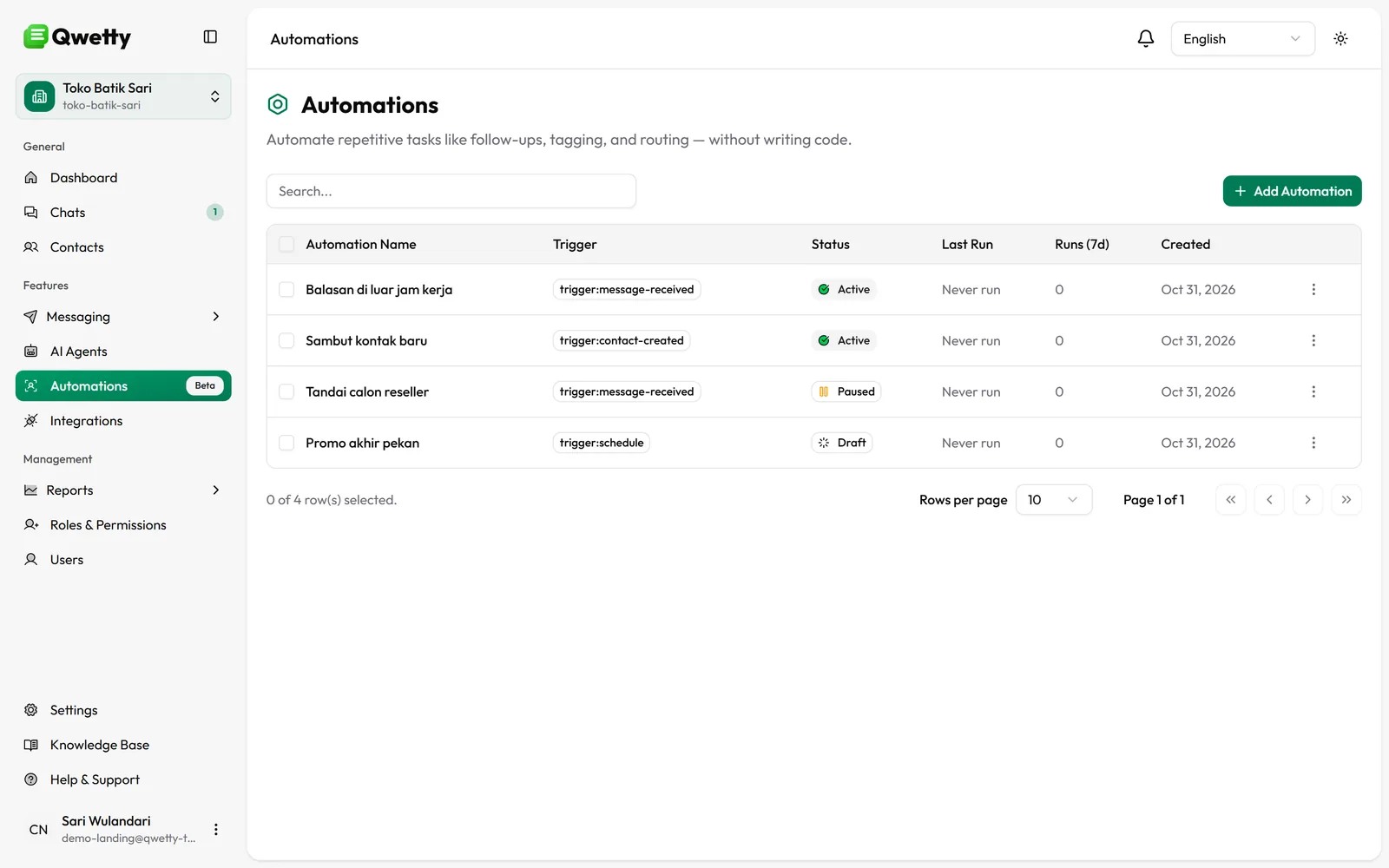
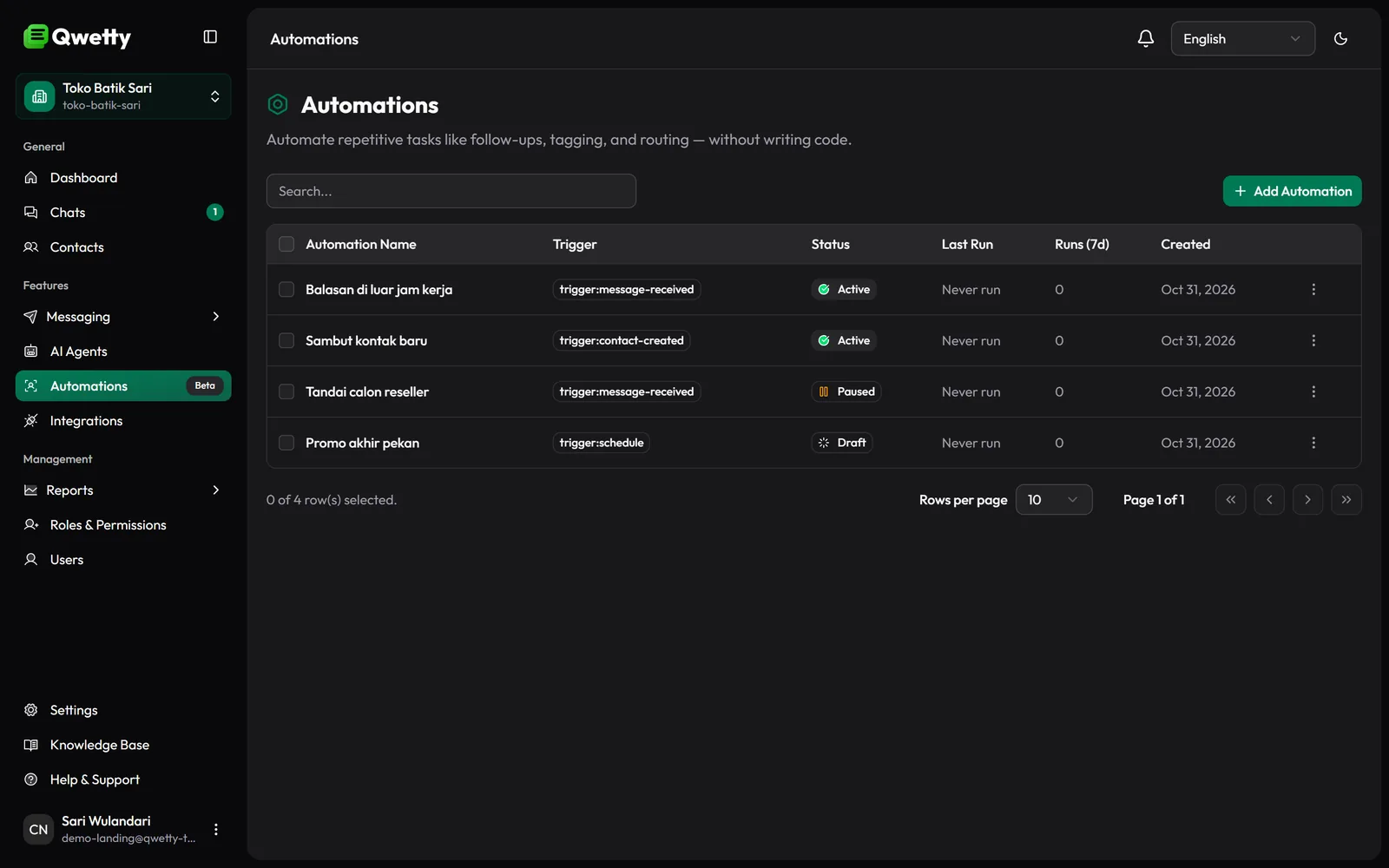
Section titled “Managing automations”Go to the Automations page from the main navigation to:
- View all automations
- Create new automations
- Reorder automations (drag and drop)
- Activate or pause automations (from the editor)
- Open each automation’s run history
How automations are evaluated
Section titled “How automations are evaluated”When an event occurs, every active automation whose trigger matches it starts its own run — one automation does not stop another from running. Paused and draft automations start no runs. The order of the list is for organizing only; drag and drop to arrange it however you like.
Next steps
Section titled “Next steps”- Building Workflows — Create your first automation
- Automation Examples — Common automation recipes
- Nodes Reference — Every trigger and step
- Runs and Versions — Publishing, versions and run history