

Contacts
Contacts Overview
Contacts are the people you communicate with across all channels. Qwetty maintains a unified directory so you have a single view of each person.
How contacts are created
Section titled “How contacts are created”Contacts are created in two ways:
- Automatically — When someone sends you a message, Qwetty records their platform identity (WhatsApp number, Instagram account, etc.). If the sender has a real name, a contact is created for them — or, if a contact with the same phone number already exists, the identity is linked to it. You can turn this off with Automatically save contacts in Settings → General → Contact Preferences; senders then stay unsaved until someone uses Save Contact from the chat
- Manually — Create contacts from the Contacts page, or import them from a CSV file
Contact profile
Section titled “Contact profile”Each contact has:
| Field | Description |
|---|---|
| Name | Display name |
| Phone numbers | One or more numbers, each with a label; one is marked Primary |
| Email addresses | One or more addresses, each with a label; one is marked Primary |
| Avatar | Profile picture |
| Notes | Internal notes about the contact |
| Tags | Free-form tags for grouping and filtering |
| Custom fields | Extra fields your organization defines in Settings → Contact fields — see Custom Fields |
| Automated messages | Whether the contact receives broadcasts, follow-ups and automated messages, or has opted out |
Multi-platform identities
Section titled “Multi-platform identities”A single contact can be linked to multiple platform identities. For example, the same customer might message you on WhatsApp and Instagram — you can link both under one contact profile.
Each platform identity (called a Contact Platform) includes:
- Platform type (WhatsApp, Instagram, Messenger, Web Chat)
- Platform-specific ID
- Platform display name
- Platform metadata
Accessing contacts
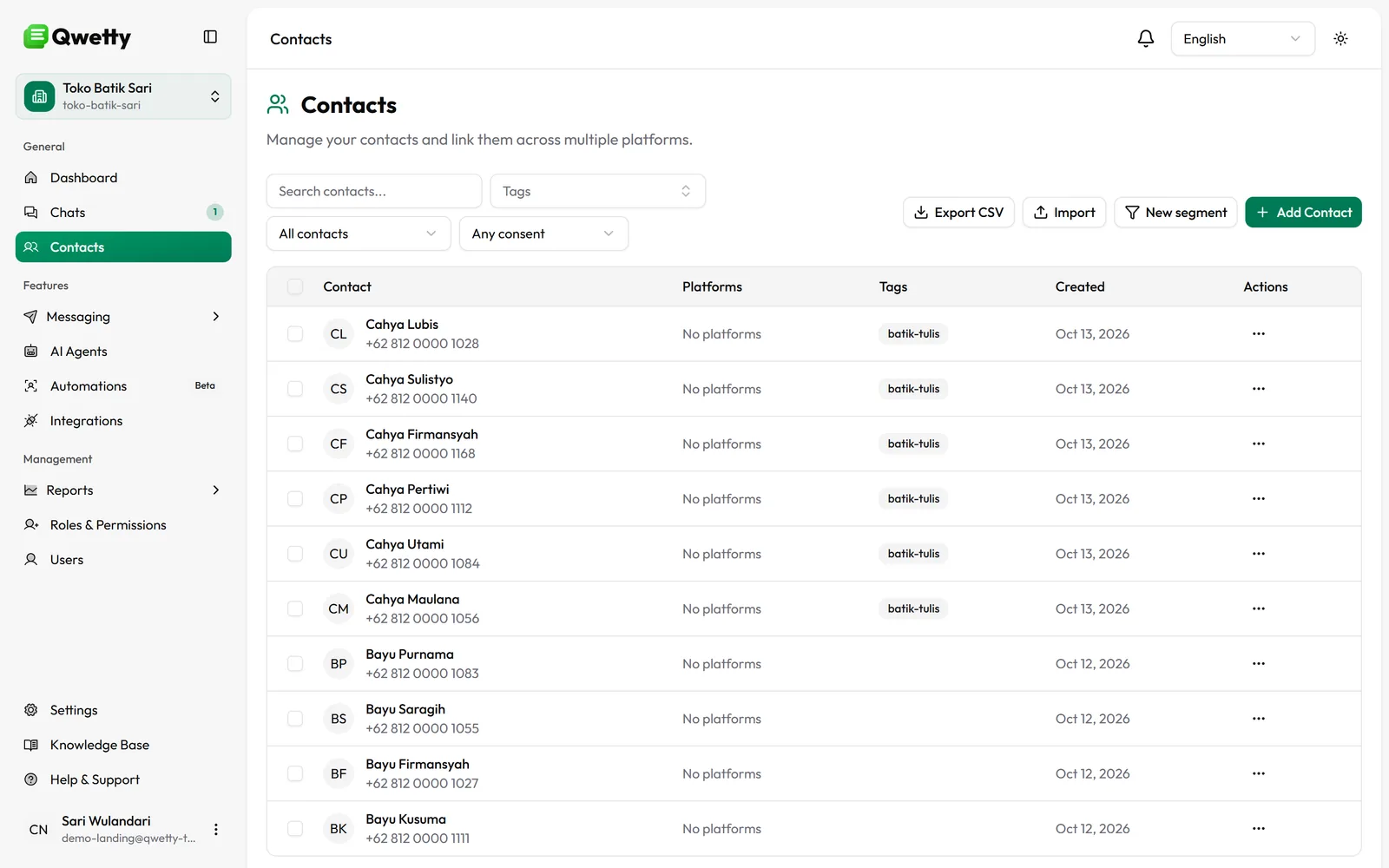
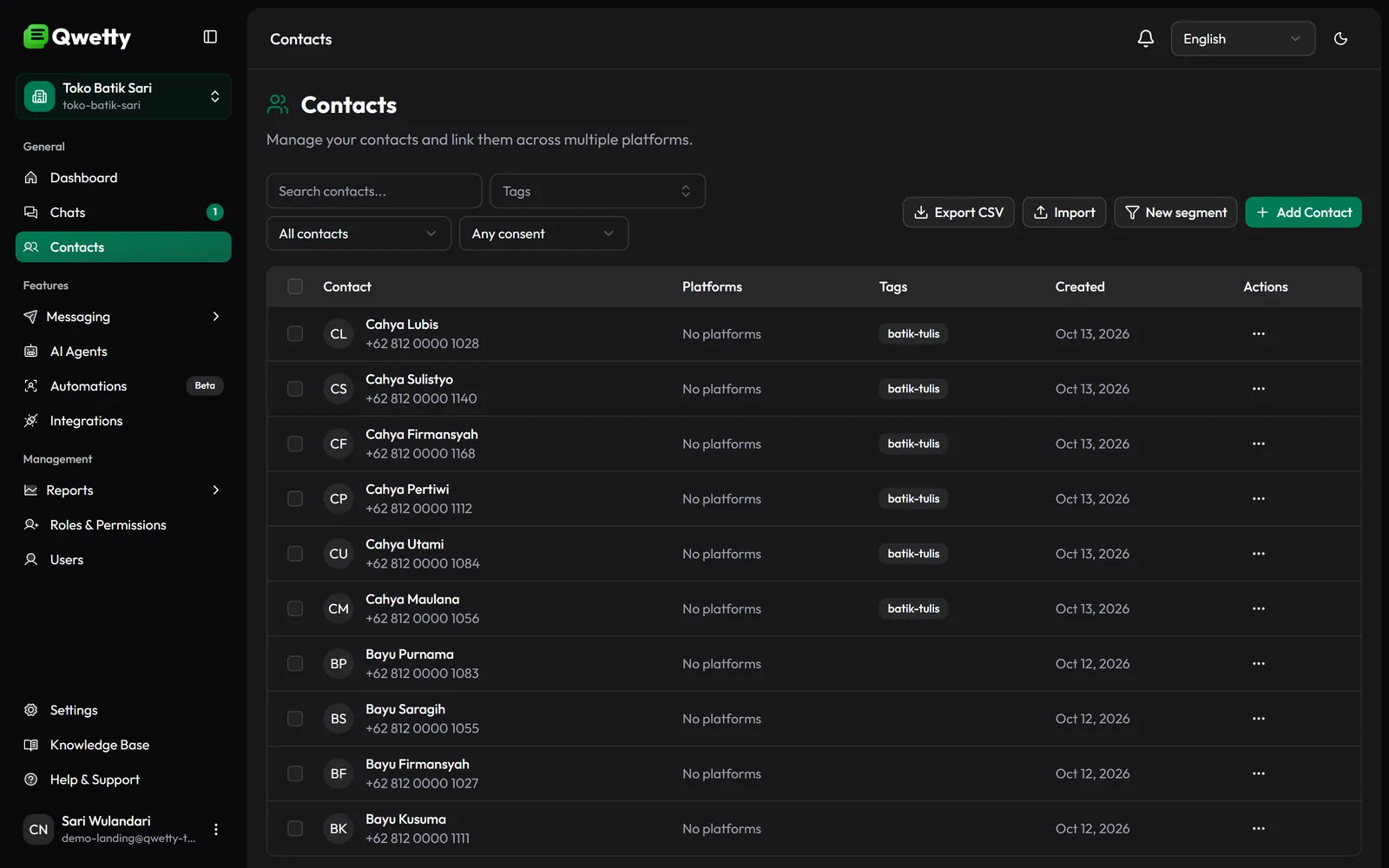
Section titled “Accessing contacts”Go to the Contacts page from the main navigation. You can:
- Search contacts by name, email, or phone
- Filter by Tags (any or all of them), Segment, or Consent
- Choose which Columns are shown, including custom fields
- Export CSV of the contacts matching your current filters
- Open a contact with Edit Contact from its row menu to view their profile and linked platforms
See Search, Filter and Export for the details.
Keeping the directory clean
Section titled “Keeping the directory clean”- Group contacts with tags, and save reusable filters as segments
- Combine two records of the same person with Merge
Next steps
Section titled “Next steps”- Managing Contacts — Edit, link, and organize contacts
- Importing Contacts — Bring in contacts from a CSV file
- Key Concepts — Understand contacts and contact platforms