

Team & Organization
Roles & Permissions
Control what each team member can see and do with Qwetty’s role-based access control (RBAC) system.
How roles work
Section titled “How roles work”Every team member is assigned a role. Each role defines a set of permissions that control access to features.
Managing roles
Section titled “Managing roles”Go to Roles & Permissions from the main navigation to:
- View all roles
- Create custom roles
- Edit role permissions
- Delete roles (except the built-in Administrator role)
Creating a custom role
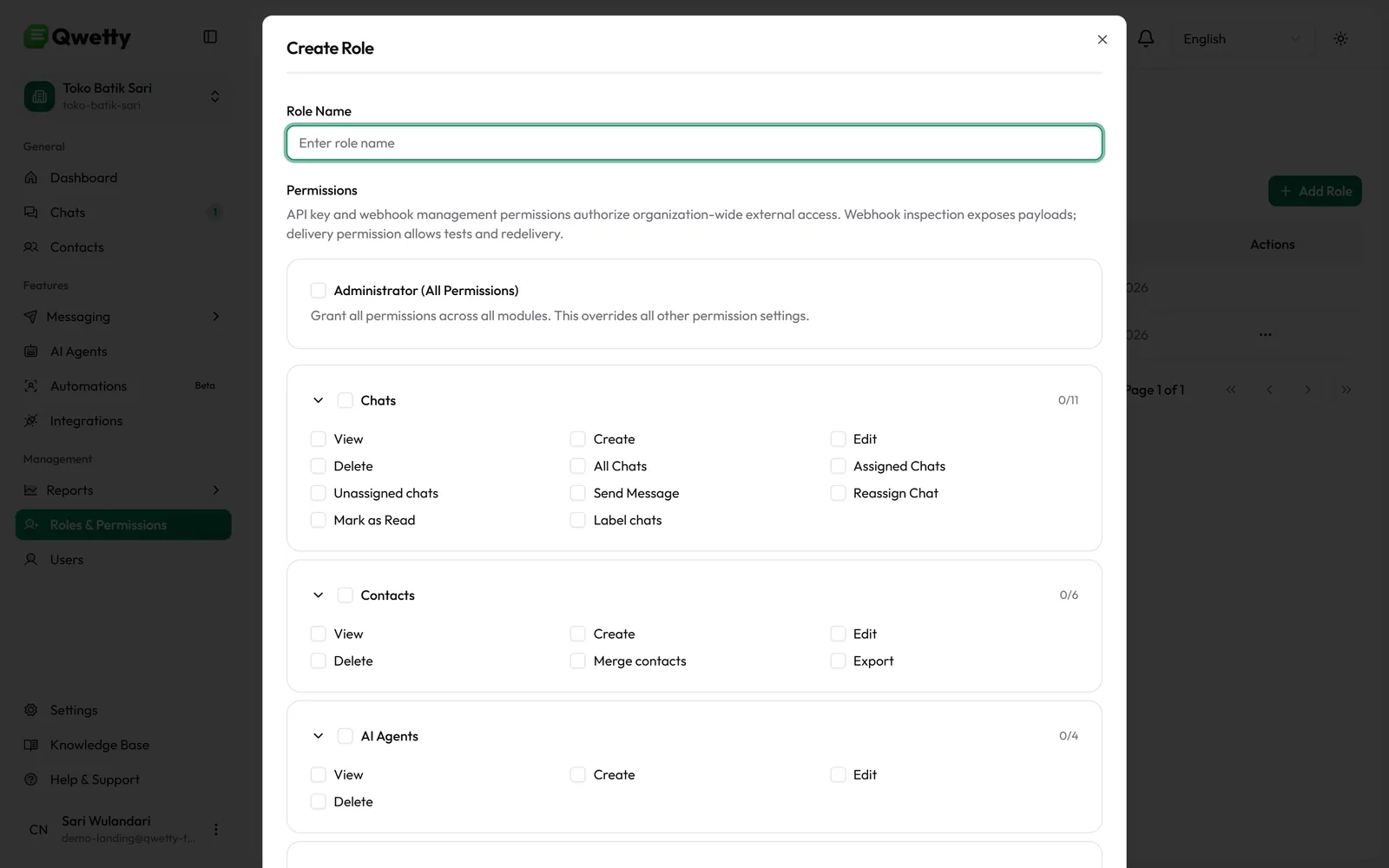
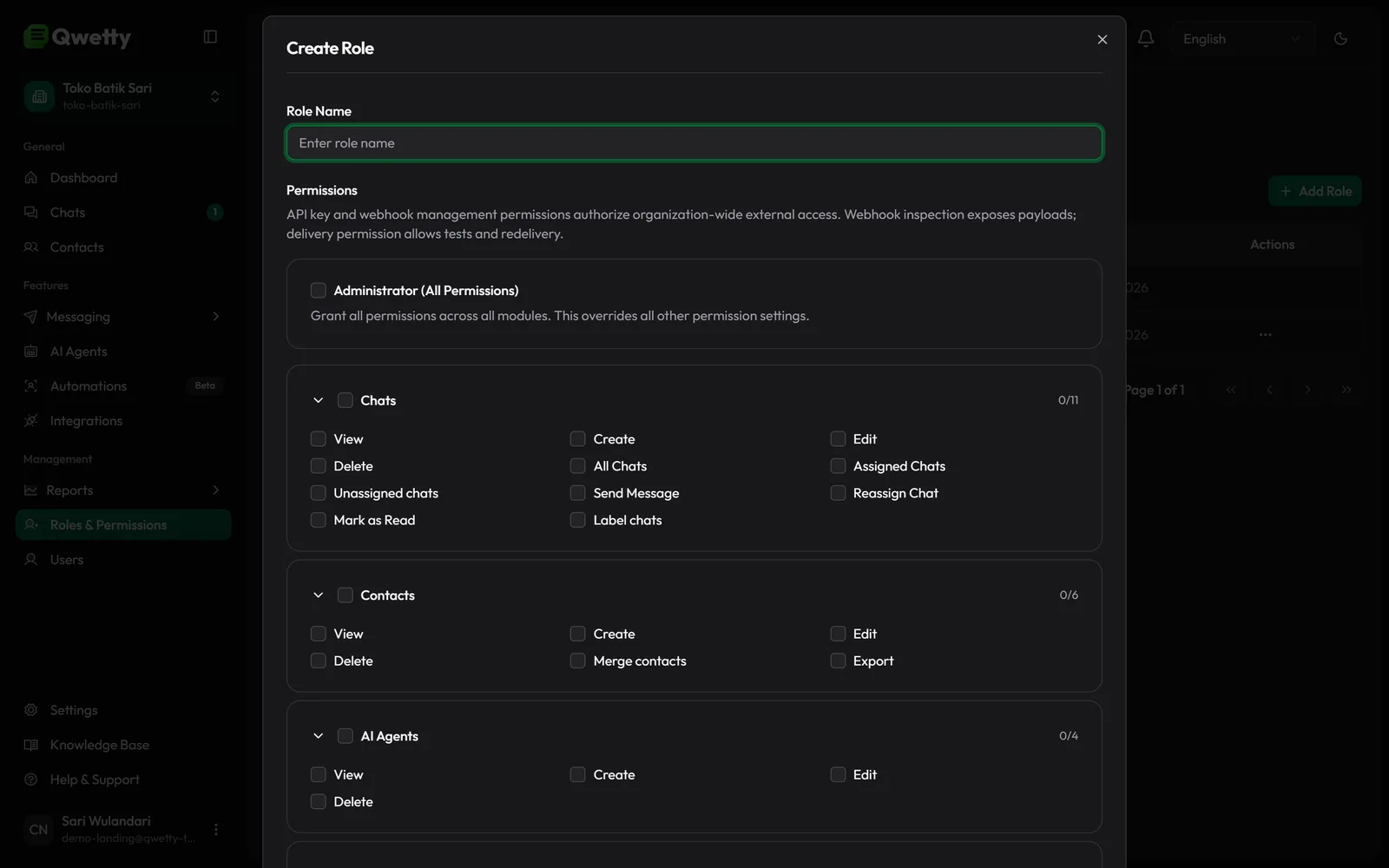
Section titled “Creating a custom role”- Click Add Role
- Enter a name for the role
- Configure permissions using the permission matrix
- Click Create Role
The matrix also has a top-level Administrator (All Permissions) option that gives a role every permission at once, including modules added later.
Permission matrix
Section titled “Permission matrix”The permission matrix lets you grant or deny access to specific actions per module:
| Module | Permissions |
|---|---|
| Chats | View, Create, Edit, Delete, All Chats, Assigned Chats, Unassigned chats, Send Message, Mark as Read, Reassign Chat, Label chats |
| Contacts | View, Create, Edit, Delete, Merge contacts, Export |
| AI Agents | View, Create, Edit, Delete |
| Message Templates | View, Create, Edit, Delete |
| Scheduled Messages | View, Create, Edit, Cancel |
| Broadcasts | View, Create, Edit, Delete, Send, Cancel |
| Follow-ups | View, Create, Edit, Cancel |
| Reports | View |
| Users | View, Assign Role, Remove Member, Invite |
| Roles & Permissions | View, Create, Edit, Delete |
| Channels | View, Create, Edit, Delete, Connect, Disconnect |
| Automations | View, Create, Edit, Delete, Trigger |
| Settings | View, Edit |
| API keys | View, Manage |
| Webhooks | View, Manage, Inspect, Deliver |
| Billing | View, Manage |
| Integrations | View, Connect, Edit, Disconnect |
Users → Invite lets a role invite members and cancel invitations, and Remove Member lets it remove members.
Default roles
Section titled “Default roles”Every organization is seeded with two roles:
- Administrator — Full access to all modules and organization management. This role cannot be deleted.
- Agent — Day-to-day chat access (view and reply to assigned chats, view/create/edit contacts, view templates, view/create scheduled messages, view/edit/cancel follow-ups)
The organization owner additionally has the one permission no role can grant: deleting the organization.
You can use these as-is or create custom roles with different permission combinations.
Next steps
Section titled “Next steps”- Managing Members — Assign roles to team members
- Organization Settings — General workspace settings