

Inbox & Conversations
Service Levels
Settings → Service levels holds two organization-wide settings that measure how well your team looks after customers:
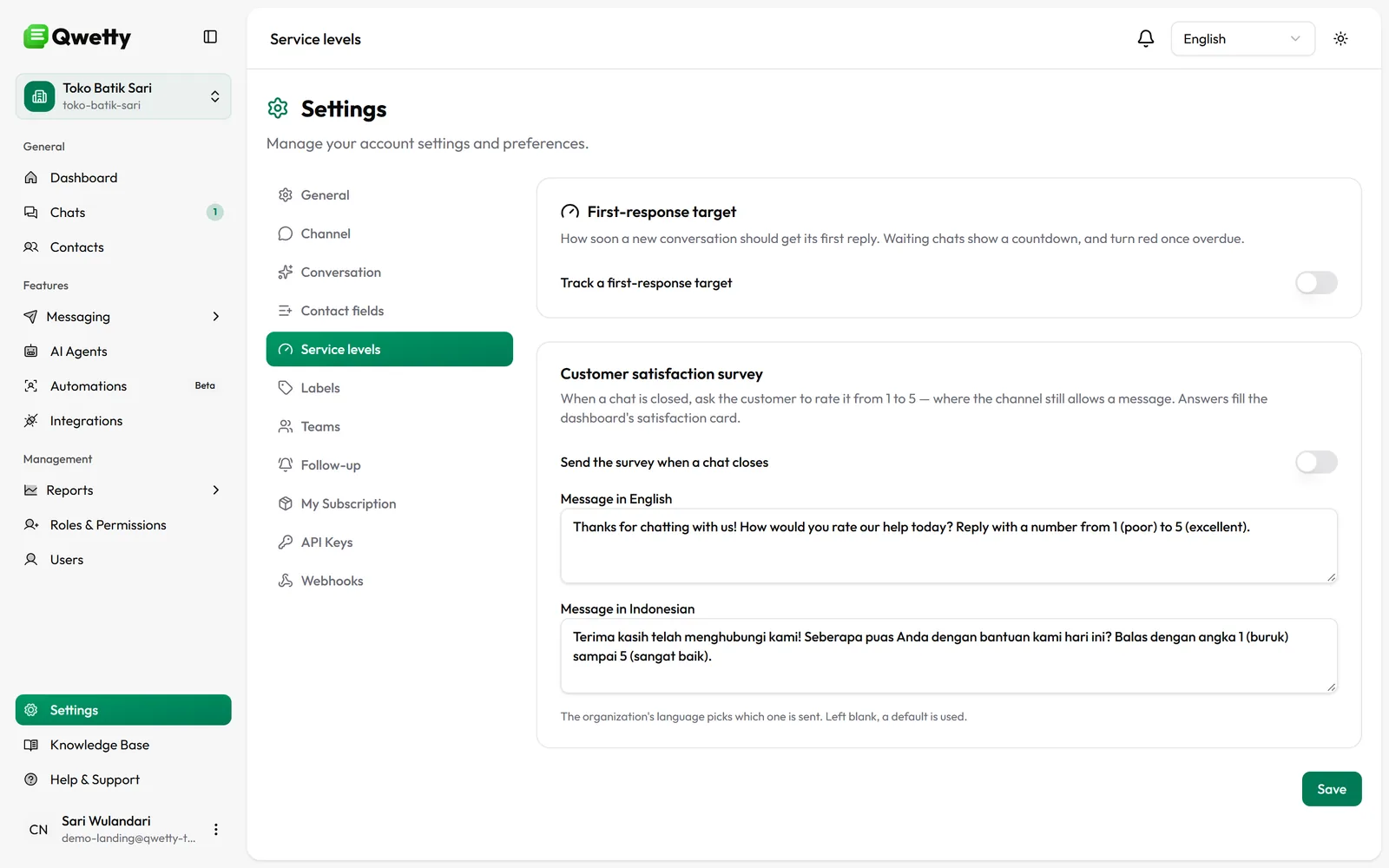
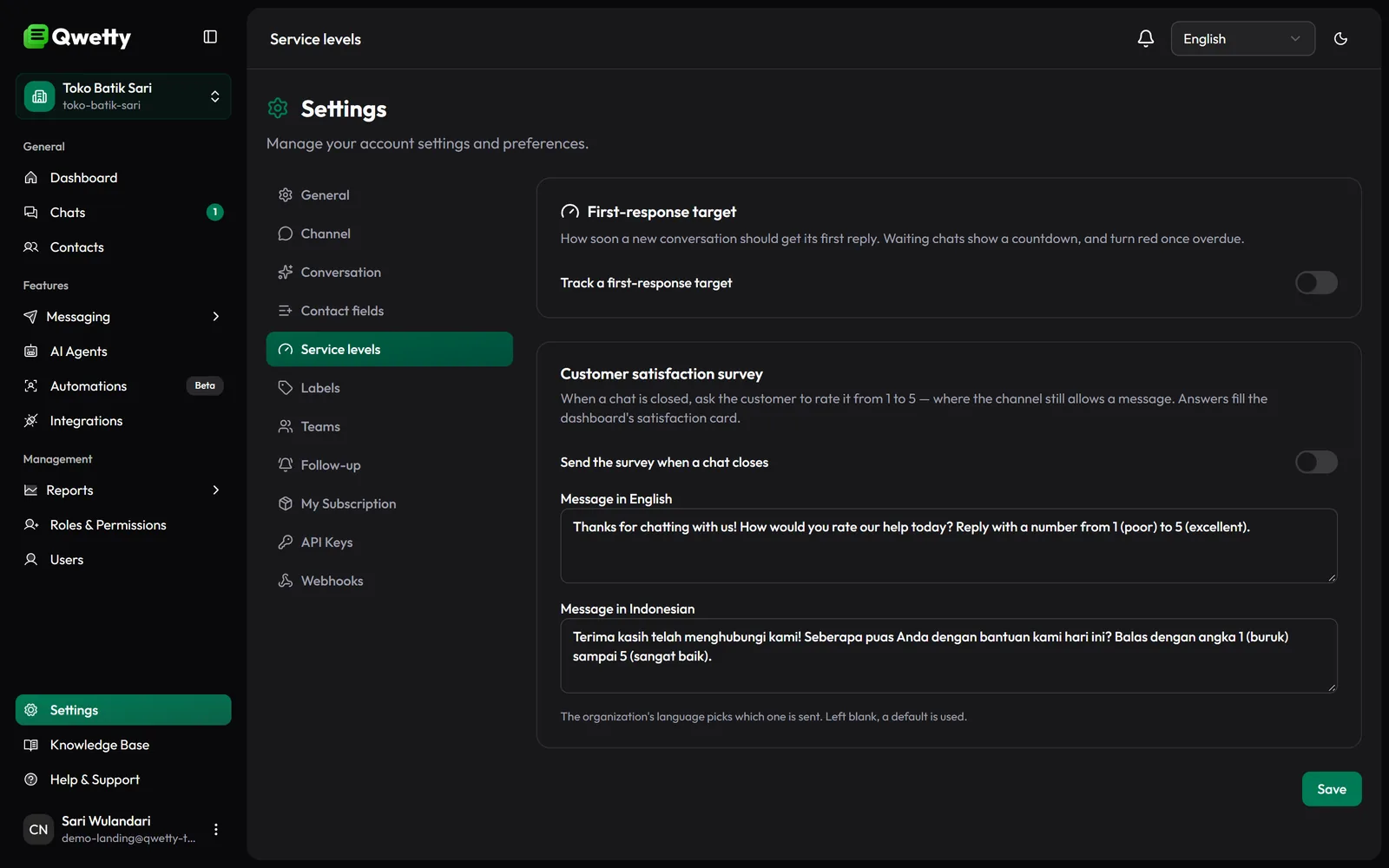
- First-response target — how soon a new conversation should get its first reply. Waiting conversations show a countdown and turn red when overdue
- Customer satisfaction survey — a short 1-to-5 rating question sent when a conversation is closed
Anyone with Settings → View can see these settings; changing them needs Settings → Edit.
Setting a first-response target
Section titled “Setting a first-response target”- Go to Settings → Service levels
- Turn on Track a first-response target
- Enter Minutes to first reply — anything from 1 to 10080 minutes (a week). It starts at 15
- Click Save
To stop tracking, turn the switch off and save.
While a target is set, the Inbox health card on the dashboard counts the chats waiting past it right now, and Reports → Summary shows a First-response target card with how many conversations met or breached it over the last 30 days — see Understanding Metrics.
How the timer works
Section titled “How the timer works”It starts when a customer’s message opens a new cycle of the conversation:
- The first customer message in a new conversation, or
- A customer message that reopens a conversation that was Closed, Pending or Snoozed
The deadline is fixed when the timer starts. Changing the target later does not move the deadline of a conversation that is already waiting. Further messages from the customer while they wait do not restart it.
It stops at the first message your business sends in that cycle while the conversation is not closed — whether it is an agent’s reply, a chatbot answer, an automation, a template, or a reply sent from your own WhatsApp phone.
These do not stop it: internal notes, system messages, reactions, and messages that failed to send.
It is overdue when the first reply came after the deadline, or no reply has been sent and the deadline has passed. A conversation that is closed without a reply stays overdue.
Reading the badges
Section titled “Reading the badges”A small clock badge shows where each conversation stands:
| Badge | Meaning |
|---|---|
| Reply in 12m (grey) | Waiting for its first reply; time left before the deadline |
| Reply in 3m (amber) | Less than 5 minutes left |
| Overdue 25m (red) | No reply yet, and the deadline passed this long ago |
| Answered late (red) | The first reply was sent after the deadline |
| Answered in time (green) | The first reply was sent before the deadline |
The countdown is shown as minutes (45m), hours and minutes (3h 05m) or days and hours (2d 4h).
- In the chat list, the badge only appears while a conversation is waiting or was answered late. It is hidden once a conversation is answered in time, and on closed conversations
- In the chat header, the badge is always shown while a target applies, including Answered in time
Conversations that started before you turned the target on, or while it was off, show no badge until their next cycle starts.
Overdue notifications
Section titled “Overdue notifications”When a conversation passes its deadline without a reply, its assignee gets a notification — First-response target missed — in their Notifications centre and as a push in the Assignments category. This happens once per cycle. Conversations with no assignee notify nobody, and assigning one later does not send the notification.
Customer satisfaction survey
Section titled “Customer satisfaction survey”When the survey is on, closing a conversation sends the customer a short question asking them to rate it from 1 to 5. Their answers feed the Customer Satisfaction card on Reports → Summary.
Turning it on
Section titled “Turning it on”- Go to Settings → Service levels
- Under Customer satisfaction survey, turn on Send the survey when a chat closes
- Optionally edit Message in English and Message in Indonesian (up to 500 characters each)
- Click Save
Your organization’s default language decides which of the two messages is sent. Left blank, a default message is used:
Thanks for chatting with us! How would you rate our help today? Reply with a number from 1 (poor) to 5 (excellent).
When the survey is sent
Section titled “When the survey is sent”The survey goes out only when all of these are true:
- It is a one-to-one conversation (not a group) on a channel that still exists
- The channel is not Web Chat — the widget has no message box on a closed chat, so the visitor couldn’t answer
- The customer wrote within the last 7 days
- The channel’s messaging window is still open, so a free-form message is allowed (see Channel Limitations)
- No survey is already waiting for an answer on that conversation
The survey is sent as an automated message (like a chatbot reply) and counts toward your message quota.
How answers are recorded
Section titled “How answers are recorded”The customer has 24 hours to answer. A reply that is just a number from 1 to 5 — such as 4, 4/5, 4. — or one to five stars (⭐⭐⭐⭐) is recorded as their rating. That reply stays visible in the thread, but it does not reopen the conversation, start the first-response timer, or wake the chatbot or automations.
Anything else the customer sends (“5 but the bot was slow”, “thanks”) withdraws the survey and is treated as a normal message, which reopens the conversation as usual.
Next steps
Section titled “Next steps”- Teams and Assignment — Make sure every conversation has an owner
- Managing Conversations — Close, snooze and reopen conversations
- Understanding Metrics — First response time and other reports